
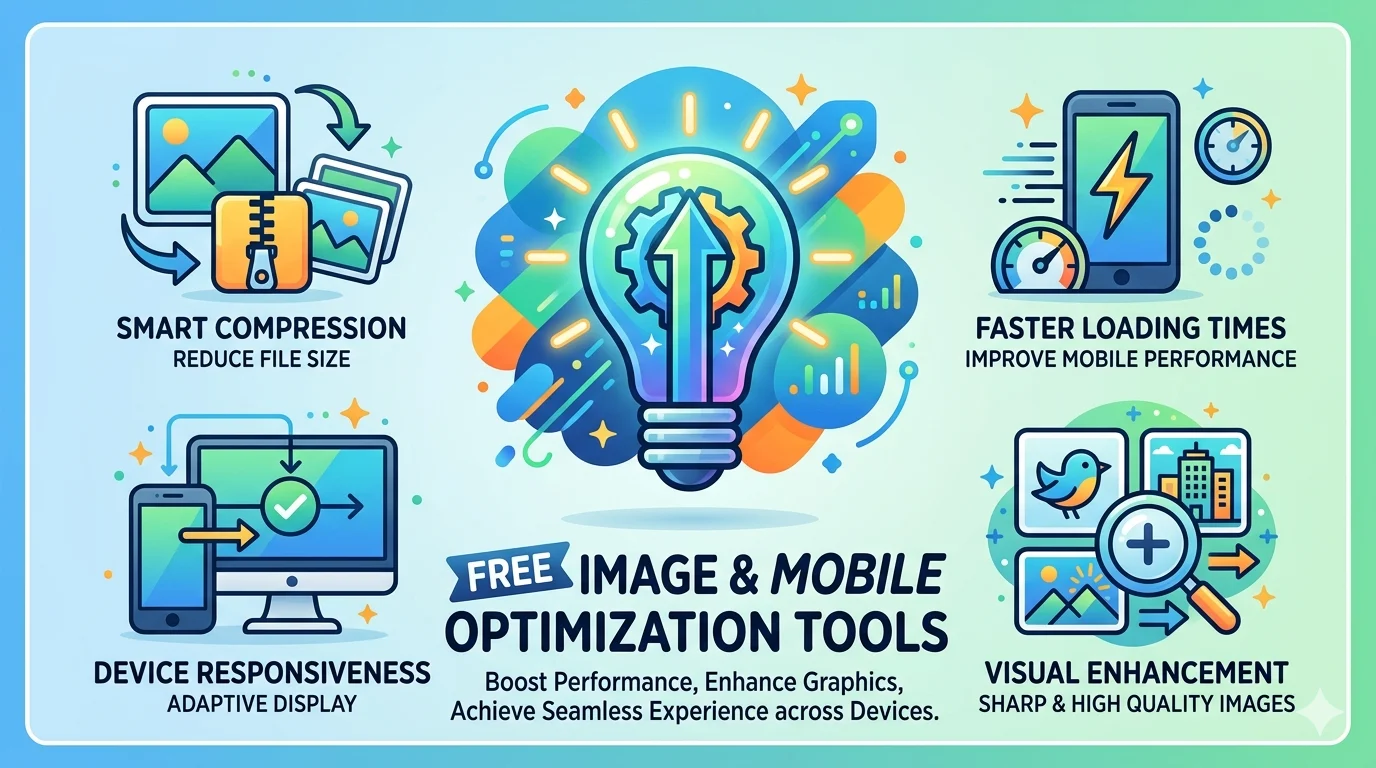
Free Image & Mobile
Optimization Tools
Our free image mobile optimization tools cover everything your site needs — image SEO checker, lazy load inspector, mobile-friendliness tester, and Core Web Vitals auditor. All free, instant results, no API key needed.
Image Mobile Optimization — SEO Analyzer
Check all images on any page for missing alt text, oversized files, and SEO issues — fix them before they hurt your rankings.
Image mobile optimization is one of the highest-impact technical SEO actions available. According to Google’s image SEO documentation, alt text, file size, and proper dimensions all directly affect how Google discovers, indexes, and ranks your images in both standard and image search results.
Scans every image on your page and checks: missing or empty alt text, file size (flags images over 200KB), image dimensions vs display size mismatch, missing width/height attributes that cause layout shifts (CLS), and WebP format adoption. Download a full image audit report as PDF.
🖼️ Image SEO Optimization
Lazy Load Images Checker
Check whether images on your page use lazy loading — a key technique for improving LCP and page speed scores.
Lazy loading is a critical part of image mobile optimization. See web.dev’s guide to lazy loading images for implementation details — this is one of the easiest LCP improvements available for any site.
Detects which images on your page have lazy loading enabled (loading=”lazy”) and which are loaded eagerly. Lazy loading below-the-fold images reduces initial page load time, improves LCP scores, and saves bandwidth. Shows exactly which images need the lazy load attribute added.
💤 Lazy Load Images
Mobile Optimization Checker
Test if your website passes Google’s mobile-friendliness requirements — critical for mobile-first indexing.
Google indexes the mobile version of your site first. This tool checks viewport meta tag configuration, touch element sizing (buttons/links too small to tap), font size readability on mobile, horizontal scrolling issues, and mobile page speed. Fix mobile issues to protect your rankings under Google’s mobile-first indexing.
📱 Mobile Optimization
Core Web Vitals Checker
Measure LCP, FID, CLS, and INP scores for any URL — Google’s official ranking metrics for page experience.
Measures all four Core Web Vitals metrics for any URL: LCP (loading speed — target under 2.5s), FID (input delay — target under 100ms), CLS (layout shift — target under 0.1), and INP (interaction responsiveness — target under 200ms). Pages that pass all four Core Web Vitals get a ranking boost from Google’s Page Experience signal.
Run Image Mobile Optimization in 3 Steps
No account. No API key. Instant results.
Enter Your URL
Paste any page URL into the image mobile optimization tool above.
Get Full Audit
Image issues, lazy load status, mobile score, and Core Web Vitals appear instantly.
Fix & Re-Test
Apply optimizations, then re-run to confirm your scores have improved.
Image Mobile Optimization Best Practices
Follow these rules to pass Core Web Vitals and rank higher in mobile-first Google.
Always Add Alt Text
Every image needs descriptive alt text with your target keyword. Google reads alt text to understand image content — missing alt text = missed ranking opportunity.
Compress Images Under 200KB
Large images are the #1 cause of slow LCP scores. Use WebP format and compress all images to under 200KB without visible quality loss.
Lazy Load Below-Fold Images
Add loading=”lazy” to all images below the fold. This reduces initial load time and improves LCP — a direct Google ranking factor.
Set Width & Height Attributes
Always specify width and height on img tags. This prevents layout shifts (CLS) as the page loads — keeping your CLS score under 0.1.
Use Responsive Images
Use srcset to serve different image sizes to mobile and desktop. Mobile users shouldn’t download desktop-sized images — this is essential image mobile optimization.
Minimum 16px Font on Mobile
Font smaller than 16px on mobile forces users to pinch-to-zoom — a mobile usability issue that Google flags and penalizes.
Complete Your Performance Audit
Images and mobile are part of a bigger picture — use these for a full site audit.