
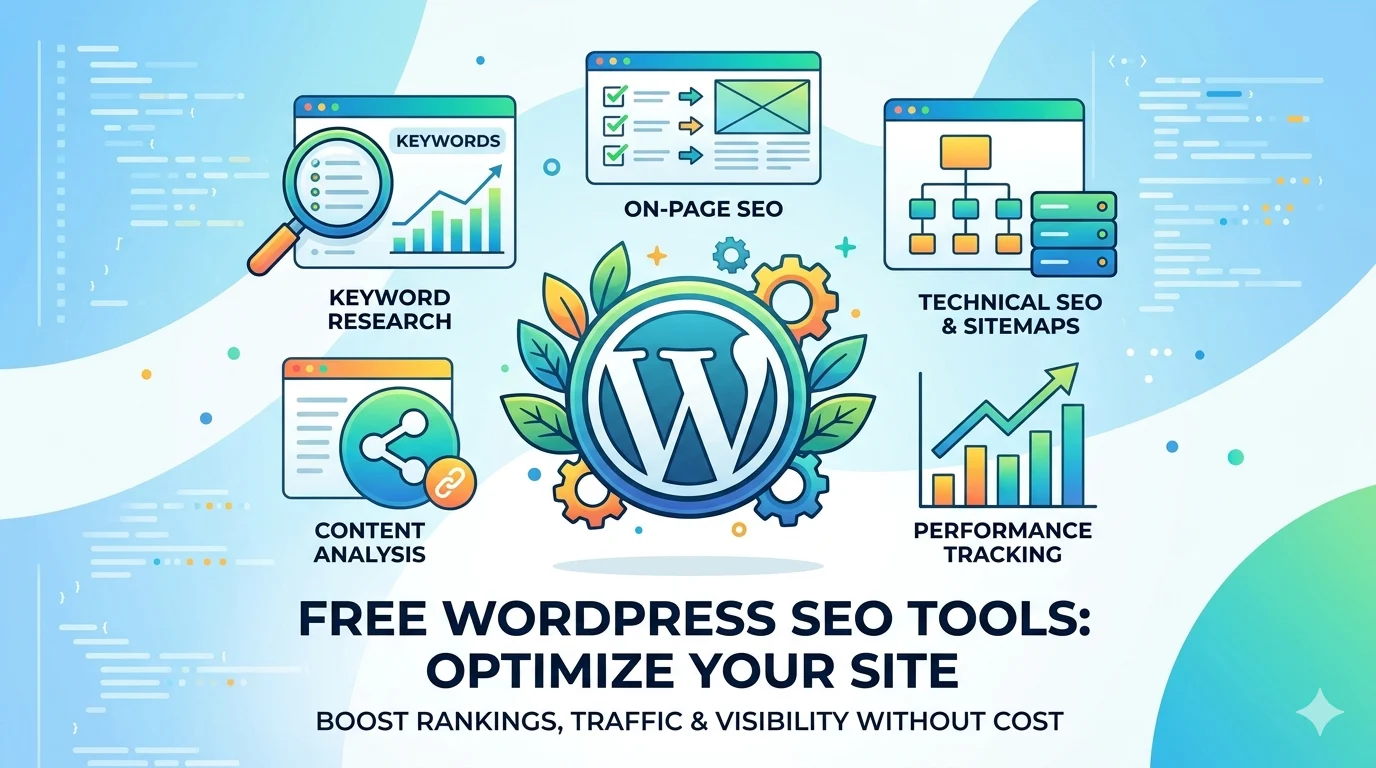
Free WordPress SEO Tools
Audit, Fix & Rank Your WP Site
Audit your WordPress site, check page speed, validate schema, find broken links, verify Google indexing, optimize images, and check your sitemap — 7 free WordPress SEO tools built for WP sites.
Why WordPress SEO Needs Special Attention
WordPress SEO tools are essential because WordPress powers 43% of all websites on the internet — which means it powers 43% of your competition. WordPress is SEO-friendly by design, but out-of-the-box it has several issues that need fixing before your site can compete in search results.
According to Google’s official crawling documentation, proper site structure and indexing are critical for ranking. The most common WordPress SEO problems are: slow page speed from unoptimized images, too many plugins, and no caching; accidental noindex settings that prevent Google from indexing your content; missing or invalid schema markup that costs you rich results; broken links from old posts linking to deleted pages; and unoptimized images that slow down mobile load times.
The good news is all of these are fixable — and all 7 WordPress SEO tools on this page are free and work on any WP site. Run them in the order below for a complete WordPress SEO health check in under 20 minutes.
Top WordPress SEO Issues & Fixes
These are the most common issues found on WordPress sites — and the free WordPress SEO tool to fix each one.
🐌 Slow Page Speed
Heavy plugins, unoptimized images, no caching. LCP above 2.5s directly suppresses rankings.
Fix: Speed Checker🚫 Accidental NoIndex
One wrong toggle in Rank Math or Yoast can noindex your entire site or key pages.
Fix: Index Checker🏷️ Missing Schema
Without valid schema, Google can’t generate rich results — losing 20–30% CTR potential.
Fix: Schema Checker🔗 Broken Internal Links
Old posts linking to deleted pages or changed URLs waste crawl budget and hurt UX.
Fix: Broken Link Checker🖼️ Unoptimized Images
Large PNG/JPG images instead of WebP — single biggest WordPress speed killer.
Fix: Image Optimizer🗺️ Sitemap Errors
Broken XML sitemaps or wrong robots.txt rules block Google from crawling important pages.
Fix: Sitemap CheckerAll Free WordPress SEO Tools
Click any WordPress SEO tool — works on any WP site, no plugin installation needed.
WordPress SEO Audit — Step by Step
Run this sequence once per month for every WordPress site using our free WordPress SEO tools.
Full SEO Audit
Run SEO Audit Tool on homepage + 5 top pages. Note score and top 3 issues.
Speed & Core Web Vitals
Check LCP, CLS, INP. Enable caching and WebP images if failing.
Index & Schema Check
Confirm all pages indexed. Validate schema on key pages for rich results.
Fix Links & Sitemap
Scan for broken links, fix 404s, verify sitemap and robots.txt are correct.
WordPress SEO Best Practices
Use One SEO Plugin Only
Never run Rank Math AND Yoast simultaneously — they conflict and generate duplicate meta tags. Choose one and configure it fully before publishing any content.
Convert All Images to WebP
WebP images are 25–35% smaller than PNG/JPG with the same quality. Use a plugin like ShortPixel or Imagify to bulk convert all existing images to WebP automatically.
Install a Caching Plugin
WP Rocket (paid) or W3 Total Cache (free) can reduce page load time by 60–80%. Caching is the single highest-impact WordPress speed fix — install before anything else.
Submit Sitemap to Google Search Console
After publishing new content, submit your XML sitemap in Google Search Console. New pages get crawled and indexed within 24–48 hours instead of waiting weeks.
Test Every Page on Mobile
Google uses mobile-first indexing — your mobile page is what gets ranked. Test with the Mobile Optimization tool after every design or plugin change.
Always Use HTTPS
HTTP sites receive a security warning in Chrome and a ranking penalty from Google. Ensure your WordPress site has a valid SSL certificate — most hosts provide free SSL via Let’s Encrypt.